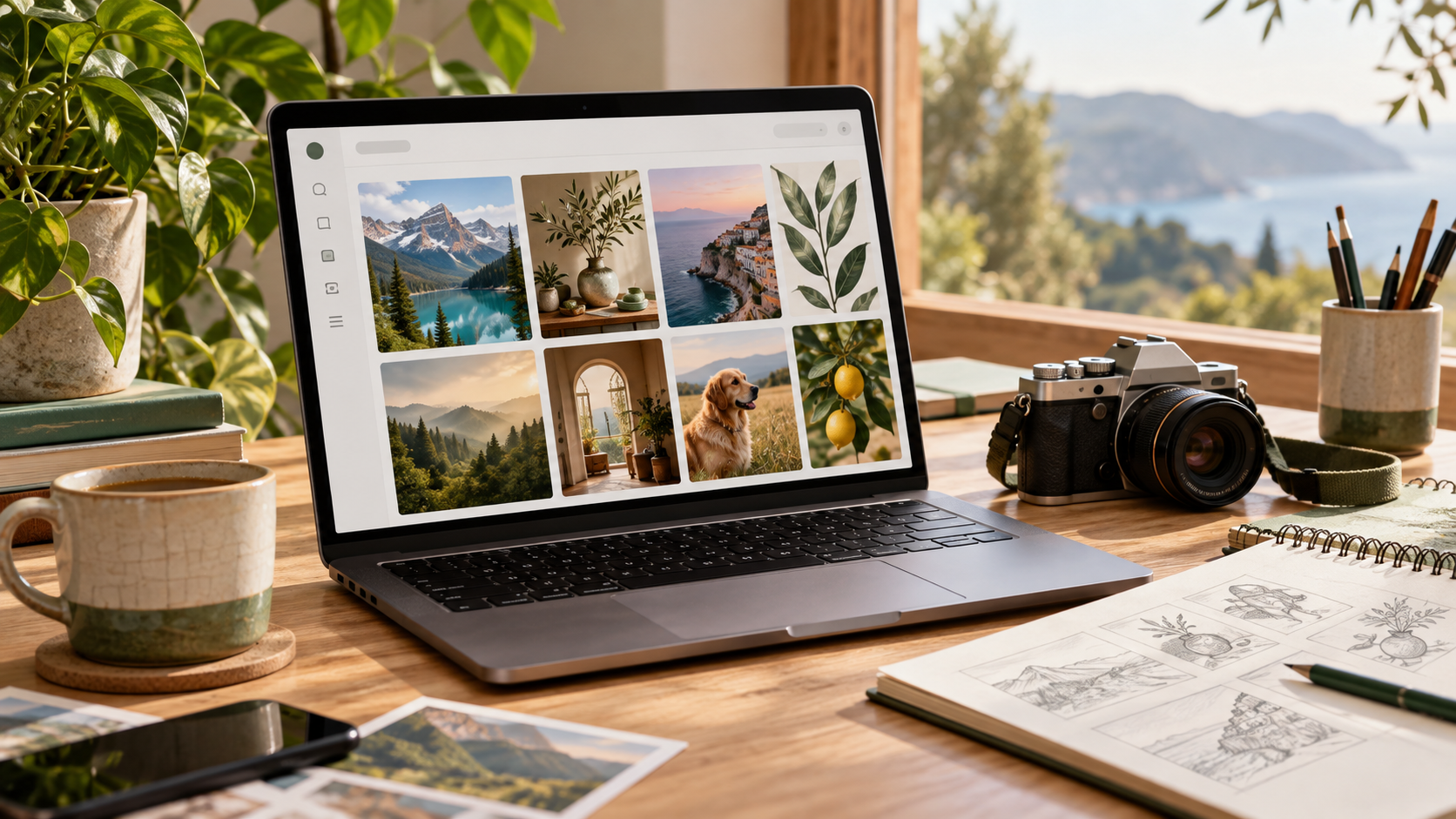
AI-generated visuals are no longer a luxury — they’re a necessity for bloggers who want to stand out in an increasingly crowded digital landscape. In 2026, content isn’t just about words. It’s about visual storytelling, speed, and uniqueness.
If you’re still relying only on stock photos, you’re already behind.
This guide breaks down the best free AI image tools for bloggers in 2026, what they’re good at, and how to choose the right one based on your workflow.
Why Bloggers Need AI Image Tools in 2026
Blogging has evolved. Today, every high-performing blog post includes:
- Featured images
- Custom infographics
- Social media visuals
- Thumbnails
- Visual explanations
AI tools make it possible to create all of this without hiring designers or spending hours editing.
Key Benefits
- Faster content production
- Unique visuals (no stock photo duplication)
- Better engagement and SEO
- Lower costs compared to design tools
💡 Key Insight: Google increasingly favors original media. AI-generated images help differentiate your content from competitors using the same stock libraries.
Best Free AI Image Tools for Bloggers in 2026
1. DALL·E
Best for: High-quality, realistic images and blog feature visuals
DALL·E remains one of the most powerful AI image generators. It’s especially useful for bloggers who want clean, professional, and context-aware visuals.
Features:
- Text-to-image generation
- Inpainting (edit parts of images)
- High realism and accuracy
- Great for blog featured images
Pros:
- Easy to use
- High-quality outputs
- Works well for most niches
Cons:
- Limited free credits depending on platform
- Requires prompt refinement
2. Canva (Magic Media)
Best for: Bloggers who want everything in one place
Canva has evolved into a complete content creation platform, and its AI image generator is beginner-friendly.
Features:
- AI image generation (Magic Media)
- Drag-and-drop editor
- Templates for blog graphics
- Social media integration
Pros:
- Extremely beginner-friendly
- Combines design + AI
- Huge template library
Cons:
- Free version has limitations
- Less control than advanced tools
3. Leonardo AI
Best for: Bloggers who want more control and stylized images
Leonardo AI is gaining popularity among creators who want custom styles and consistent branding.
Features:
- Advanced prompt controls
- Style presets
- Image-to-image generation
- Batch generation
Pros:
- High customization
- Great for branding
- Generous free tier
Cons:
- Slight learning curve
- UI can feel complex for beginners
4. Microsoft Designer
Best for: Quick social media and blog visuals
Microsoft Designer integrates AI image generation with design layouts, making it perfect for bloggers who need fast, polished graphics.
Features:
- AI-generated images
- Social media templates
- Text + design suggestions
Pros:
- Fast and efficient
- Clean interface
- Good for beginners
Cons:
- Limited advanced editing
- Less flexible for complex designs
5. Stable Diffusion
Best for: Advanced users and developers
Stable Diffusion is an open-source AI model that allows complete control over image generation.
Features:
- Fully customizable
- Local or cloud usage
- Plugins and extensions
- Community models
Pros:
- Completely free (self-hosted)
- Unlimited flexibility
- Strong community support
Cons:
- Requires technical setup
- Not beginner-friendly
6. Adobe Firefly
Best for: Bloggers focused on commercial-safe images
Adobe Firefly is designed with copyright-safe AI training, making it ideal for professional bloggers.
Features:
- Text-to-image generation
- AI text effects
- Photoshop integration
Pros:
- Safe for commercial use
- High-quality outputs
- Adobe ecosystem integration
Cons:
- Limited free credits
- Requires Adobe account
7. Bing Image Creator
Best for: Completely free AI image generation
Powered by advanced AI models, Bing Image Creator is one of the easiest tools to use — and it’s free.
Features:
- Text-to-image generation
- Fast results
- Simple interface
Pros:
- Free access
- No design skills needed
- Good quality
Cons:
- Limited customization
- Can be inconsistent
8. Midjourney
Best for: Artistic and high-end visuals
Midjourney is known for producing stunning, artistic images that stand out.
Features:
- High-quality artistic outputs
- Unique styles
- Community-driven prompts
Pros:
- Best for aesthetics
- High creativity
- Strong community
Cons:
- Limited free access
- Runs via Discord
Best Free AI Image Tools
| Tool | Best For | Skill Level | Free Plan |
|---|---|---|---|
| DALL·E | Realistic images | Beginner | Limited |
| Canva | All-in-one design | Beginner | Yes |
| Leonardo AI | Custom styles | Intermediate | Yes |
| Microsoft Designer | Quick graphics | Beginner | Yes |
| Stable Diffusion | Full control | Advanced | Yes |
| Adobe Firefly | Commercial use | Beginner | Limited |
| Bing Image Creator | Free & simple | Beginner | Yes |
| Midjourney | Artistic visuals | Intermediate | Limited |
How to Choose the Right AI Image Tool
Not every tool fits every blogger. Choose based on your needs:
For Beginners
Start with:
- Canva
- Microsoft Designer
- Bing Image Creator
For Advanced Creators
Use:
- Stable Diffusion
- Leonardo AI
For Professional Blogging
Best options:
- DALL·E
- Adobe Firefly
How AI Images Improve Blog SEO
AI visuals don’t just look good — they improve performance.
SEO Benefits:
- Increase time on page
- Improve click-through rates
- Reduce bounce rate
- Enhance social sharing
- Help rank in Google Images
💡 Pro Tip: Always add:
- Alt text
- Descriptive file names
- Compressed image sizes
Best Practices for Using AI Images in Blogs
1. Write Better Prompts
Instead of:
“dog image”
Use:
“Golden retriever sitting in a modern home office, natural lighting, realistic photography”
2. Maintain Visual Consistency
Use the same:
- Color tone
- Style
- Composition
This builds brand identity.
3. Combine AI + Editing
Don’t rely only on generation. Use:
- Canva
- Photoshop
to refine outputs.
4. Avoid Overuse
Too many AI images can feel generic. Balance with:
- Screenshots
- Charts
- Real photos
Common Mistakes Bloggers Make
- Using vague prompts
- Ignoring image SEO
- Overloading posts with visuals
- Not checking copyright policies
- Using inconsistent styles
Future of AI Image Tools for Bloggers
In 2026 and beyond, expect:
- Real-time image generation inside CMS platforms
- AI-generated videos from images
- Personalized visuals based on user behavior
- Hyper-realistic branded content
🔮 Trend to Watch: AI tools will soon generate entire blog layouts — not just images.
Final Thoughts
AI image tools have completely changed how bloggers create content. What used to require a designer, a photographer, and hours of editing can now be done in minutes.
But tools alone aren’t enough.
The real advantage comes from:
- Choosing the right tool
- Writing better prompts
- Using visuals strategically
The bloggers who win in 2026 won’t just write better — they’ll visualize better.